Introduction
Custom compliance settings in Intune, is a relatively new feature and is still in preview. However, the potential in this feature is enormous, and extends the possibilities for compliance policies almost endlessly.
- More on the feature from Microsoft Docs here: Use custom compliance settings in Microsoft Intune | Microsoft Docs
A similar feature released to ConfigMgr 2 years ago, and is something I also blogged about here:
To demonstrate how awesome this really is, I will give you something I intend to use in production once the feature goes GA.
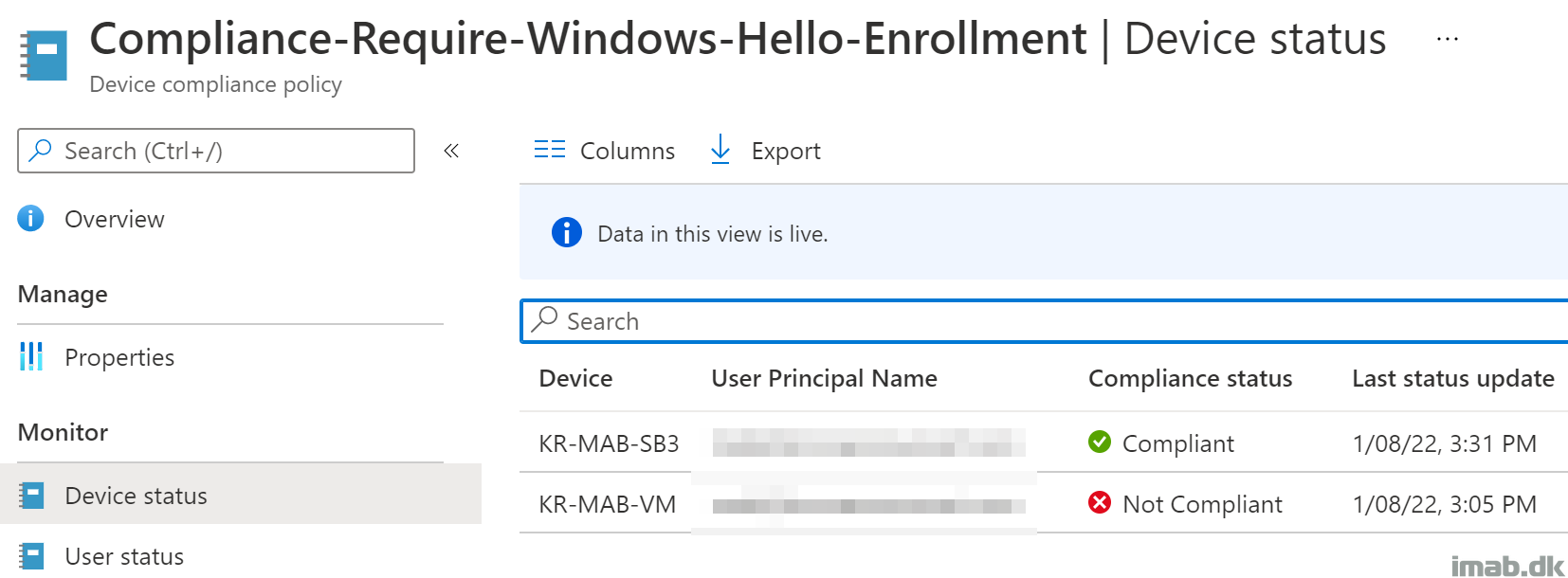
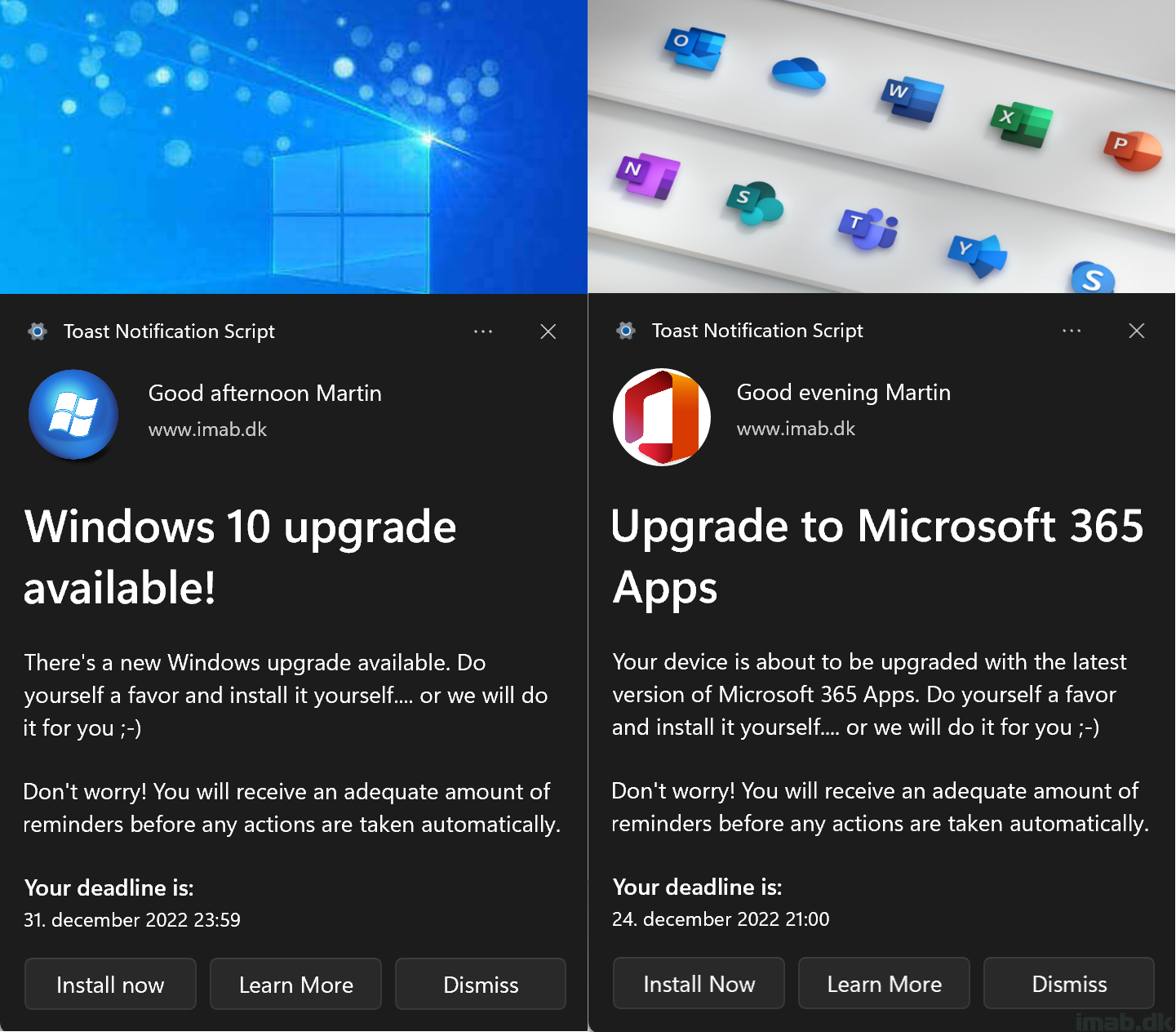
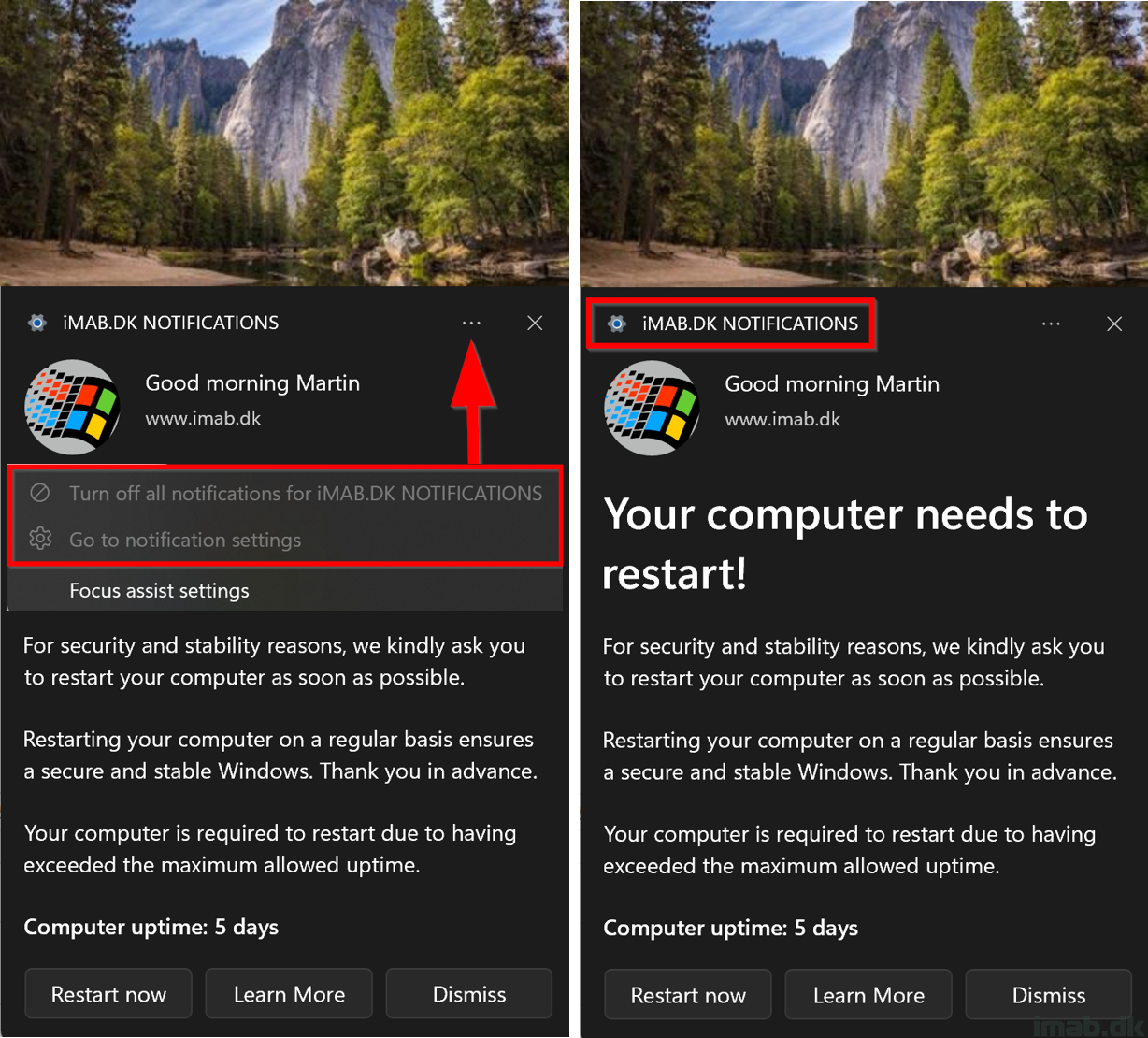
The use case here, is to ultimately use this in combination with Conditional Access. We don’t force the Windows Hello for Business enrollment via the built-in and full-screen wizard. We believe that’s too intrusive. Instead we send out Toast Notifications to those users/devices, where WHfB is still not in use.